
Plans, trial and billing
The 30-day trial, Starter, Team and Enterprise, seats, applying a code, and what happens when a trial ends.
Every new workspace starts with a 30-day trial of the Team plan. No card is needed: you get 5 seats and up to 10 free Read-only and Warehouse users, with everything Team includes.
Before the trial ends, choose a plan to keep working. If you don't, nothing is lost: the workspace becomes read-only, you can still open and export everything, and it's kept for 180 days.
See where your workspace stands
Step 1: Open Plan & billing
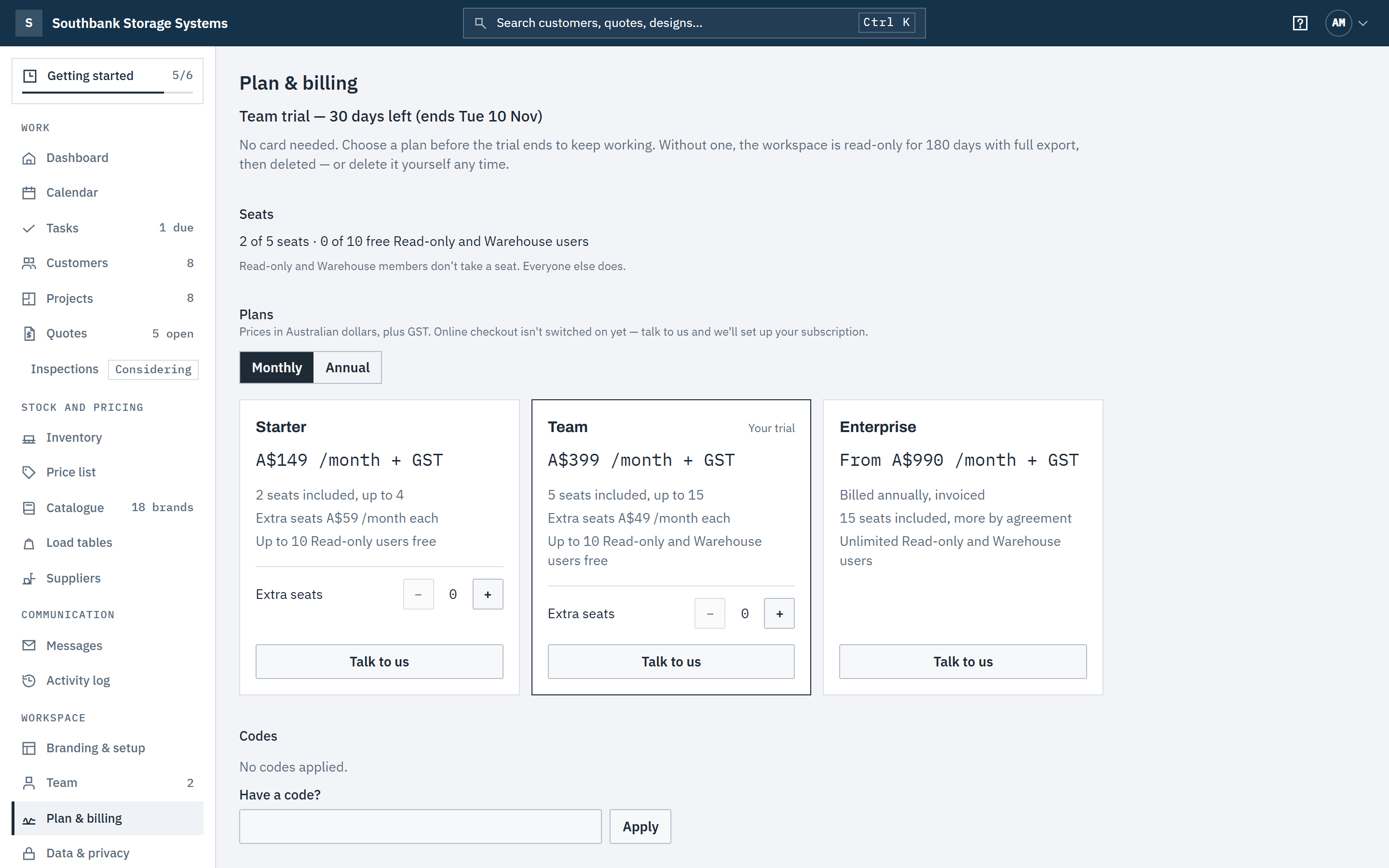
In the navigation, under Workspace, choose Plan & billing. The top line says where the workspace stands, for example Team trial — 30 days left (ends Mon 2 Nov). Below it, Seats shows how many seats are in use, and how many free Read-only and Warehouse places.
 (opens full size in a new tab)
Plan & billing shows where the workspace stands: the trial's days left, and the seats in use. Step 2: Compare the plans
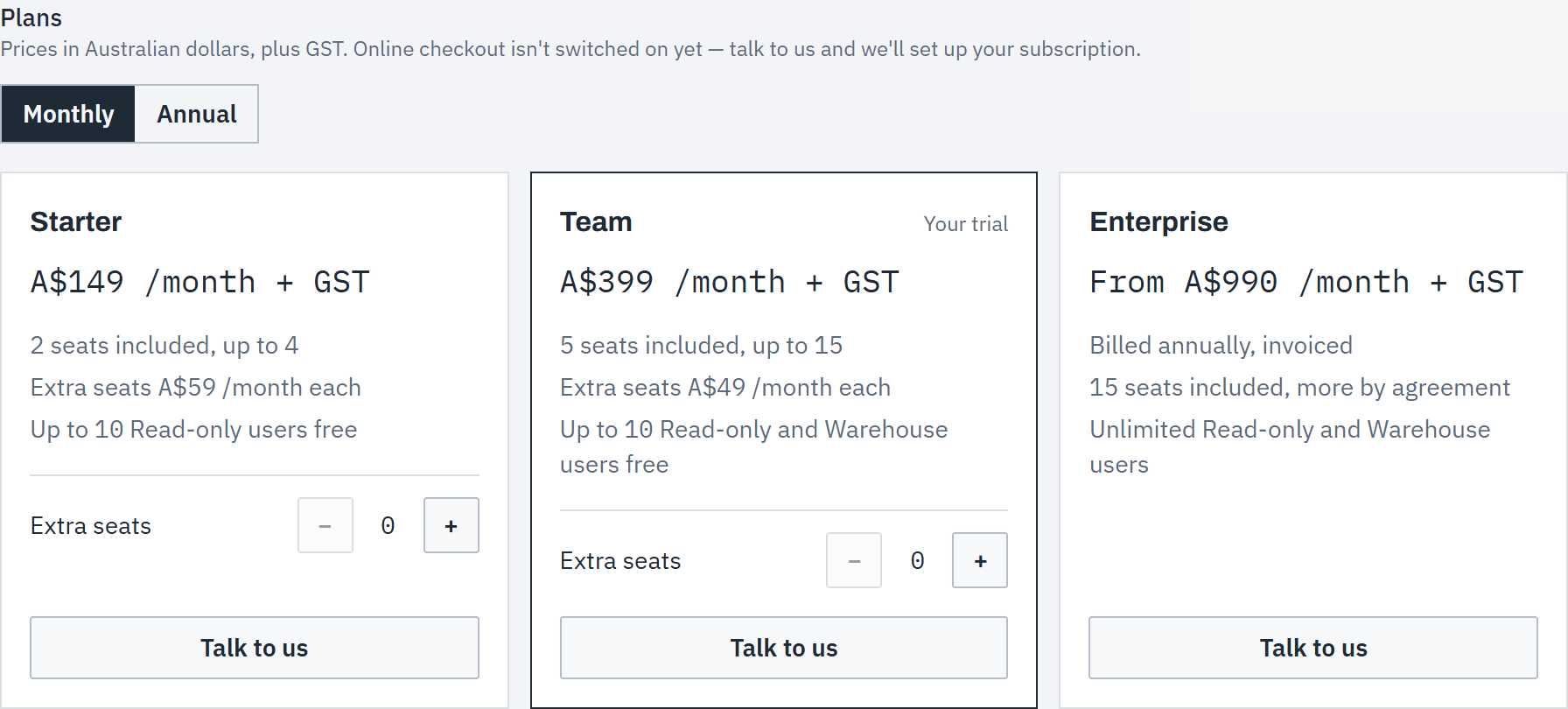
Switch between Monthly and Annual (annual is two months free). Prices are in Australian dollars, plus GST.
- Starter: A$149 a month. 2 seats included, up to 4 (extra seats A$59 a month each), and up to 10 free Read-only users. One stock location. Your own frames and beams in both designers.
- Team: A$399 a month. 5 seats included, up to 15 (extra seats A$49 a month each), and up to 10 free Read-only and Warehouse users. Adds stock by location and transfers, the Finance and Warehouse roles, supplier price files (saved mappings, margin preview and multi-supplier costs), and your own load tables, with source and date (see Your own load tables).
- Enterprise: from A$990 a month, billed annually and invoiced. 15 seats included, unlimited Read-only and Warehouse users, and you can remove "Powered by Baylogik".
 (opens full size in a new tab)
Compare the plans monthly or annually; Talk to us sets up your subscription. Step 3: Choose a plan
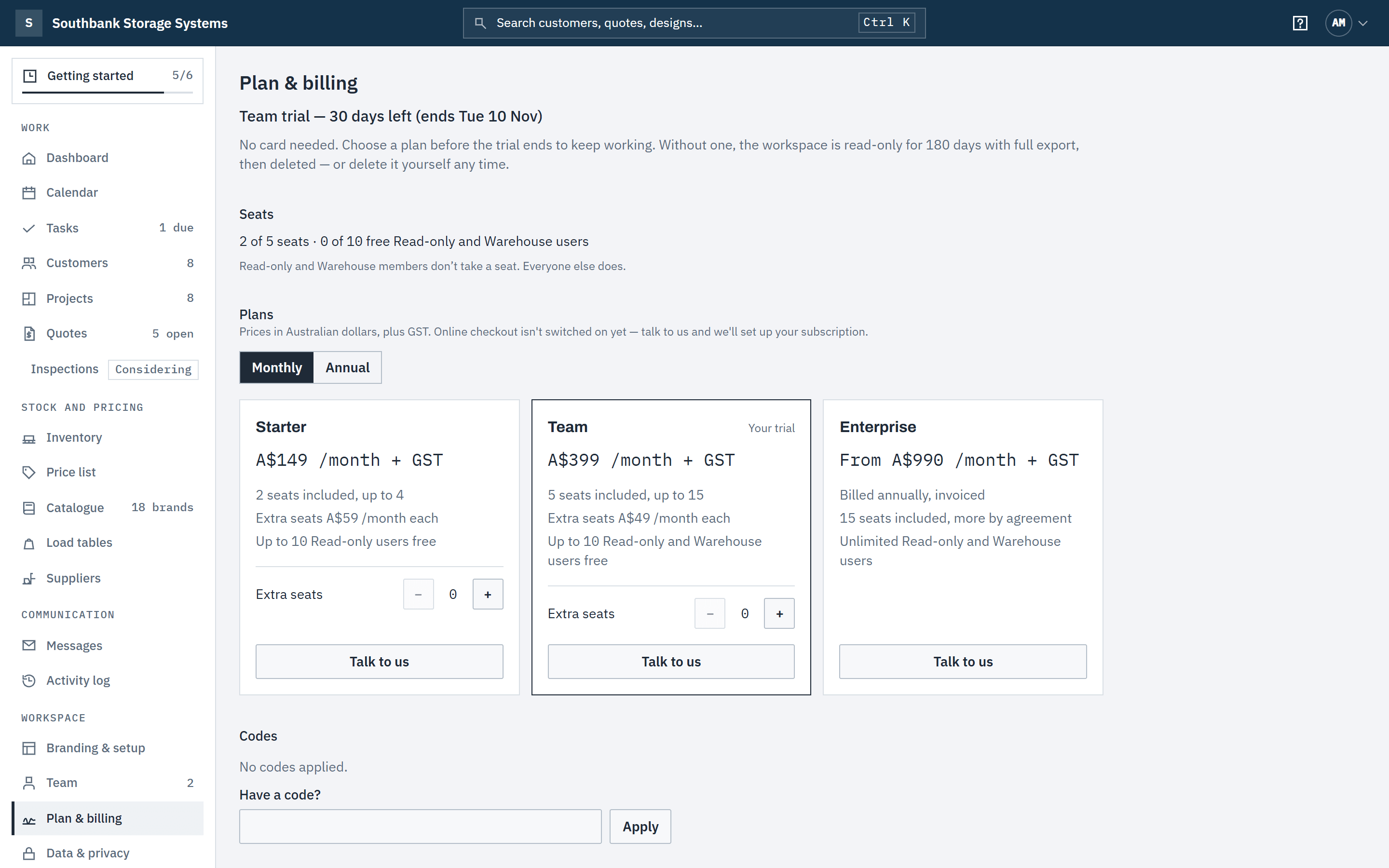
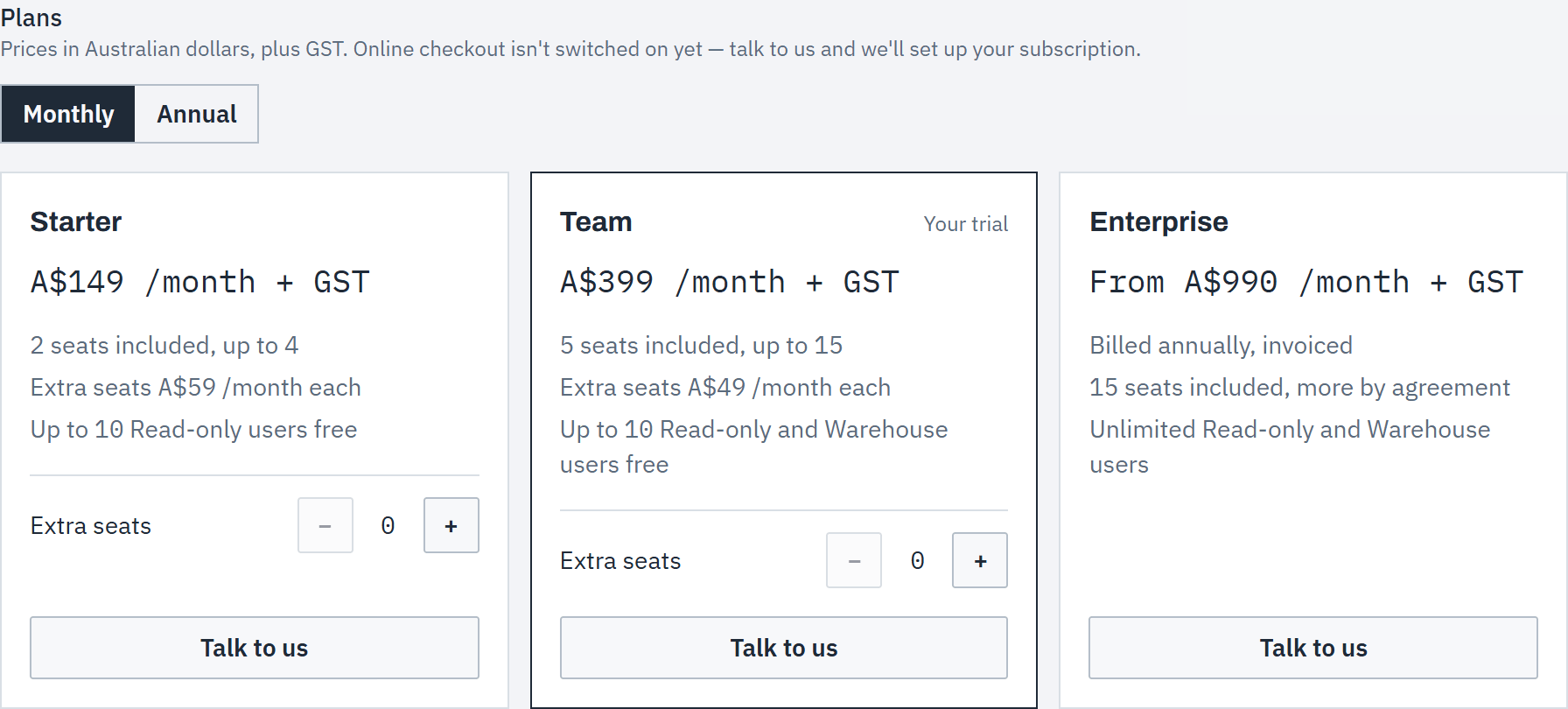
While online checkout is being set up, choose Talk to us on the plan you want and send the form: we'll set up your subscription with you. Enterprise is always arranged this way. Only owners and admins can choose a plan.
Apply a code
Step 4: Enter the code
Under Codes, type it into Have a code? and choose Apply. The code is listed with what it does and when it was applied. You can also bring a code to sign-up: it's applied when you create your workspace.
 (opens full size in a new tab)
Type a code into Have a code? and choose Apply. Step 5: Know what each kind of code does
- Extra trial days add to your trial straight away. They work during a trial, or after a trial ended if the workspace has never paid.
- Free months give the workspace a plan at no charge until a date, shown as Free until ….
- Discounts (a percentage or an amount off) show as Applies at checkout and come off your subscription when it starts. A discount is held for 14 days; remove it with Remove if you want to use a different one.

When a trial ends
Step 6: Watch for the reminders
Owners, and the billing contact if you set one, get an email on day 3, day 10 and day 25 of the trial, and when it ends. From 7 days before the end, everyone in the workspace sees a banner with Choose a plan.
Step 7: Read-only, with full export
If the trial ends without a plan, the workspace becomes read-only. Everyone can still sign in and see customers, designs, quotes, prices and stock, and owners, admins and finance can download the full export from Data & privacy. Nothing can be created or changed, and nobody new can be invited.
Your customers can still open a proposal you sent, including the PDF and 3D view, but they can't accept or decline it or send a message: they're asked to contact you instead.
Step 8: Kept for 180 days, then deleted
A read-only workspace is kept for 180 days with full export, then deleted. Owners are emailed 30 days and 7 days before. Subscribe at any time in those 180 days and everything is back as it was. An owner can also delete the workspace sooner, from Data & privacy.
Good to know
- Seats are for owners, admins, estimators and finance. Read-only and Warehouse members don't take a seat, up to the plan's free allowance. On Starter, the free places are for Read-only users: the Warehouse and Finance roles come with Team.
- When every seat is in use, invitations for a seat role are paused until you add seats or remove someone. See Invite your team.
- Moving to a smaller plan needs the workspace to fit it first: on Starter that means no Finance or Warehouse members, one active stock location and no more than 4 seats in use.
- On Starter, or while a workspace is read-only, load tables you entered are kept and can be read, but parts aren't rated from them: they read not certified until the plan includes load tables again. Quotes already sent keep the load data they were sent with.
- Each code can be used once per workspace, and one discount can be held at a time. Codes aren't case-sensitive.
- Billing contact is an extra address for invoices and trial reminders. Leave it blank and they go to the owners.
- Everyone in the workspace can open Plan & billing; only owners and admins can apply codes, change the billing contact or choose a plan.
Related articles
- Invite your teamInvite people, give them a role, and change or remove access.
- Roles and permissionsOwner, admin, estimator, finance, warehouse and read only: who can see and change what, including cost prices.
- Brand your workspaceLogo, colours and the proposal your customers see.
- Getting startedThe steps from a new workspace to your first sent quote.