
Subscribe to your calendar
See your Baylogik dates in Google Calendar, Outlook or Apple Calendar.
Your calendar feed is a private link that puts your Baylogik dates into the calendar you already use: your open tasks, plus the quotes expiring, deliveries, installations and price changes your role can see, with customer names. It's read-only: you change things in Baylogik and the calendar app picks them up.
Each person gets their own link for each workspace. Treat it like a password.
Step 1: Find the calendar feed
Choose your initials at the top right, then Account settings. The Calendar feed card lists each workspace you belong to, with Off until you create a link.
 (opens full size in a new tab)
Each workspace you belong to gets its own private calendar link. Step 2: Create your link and copy it
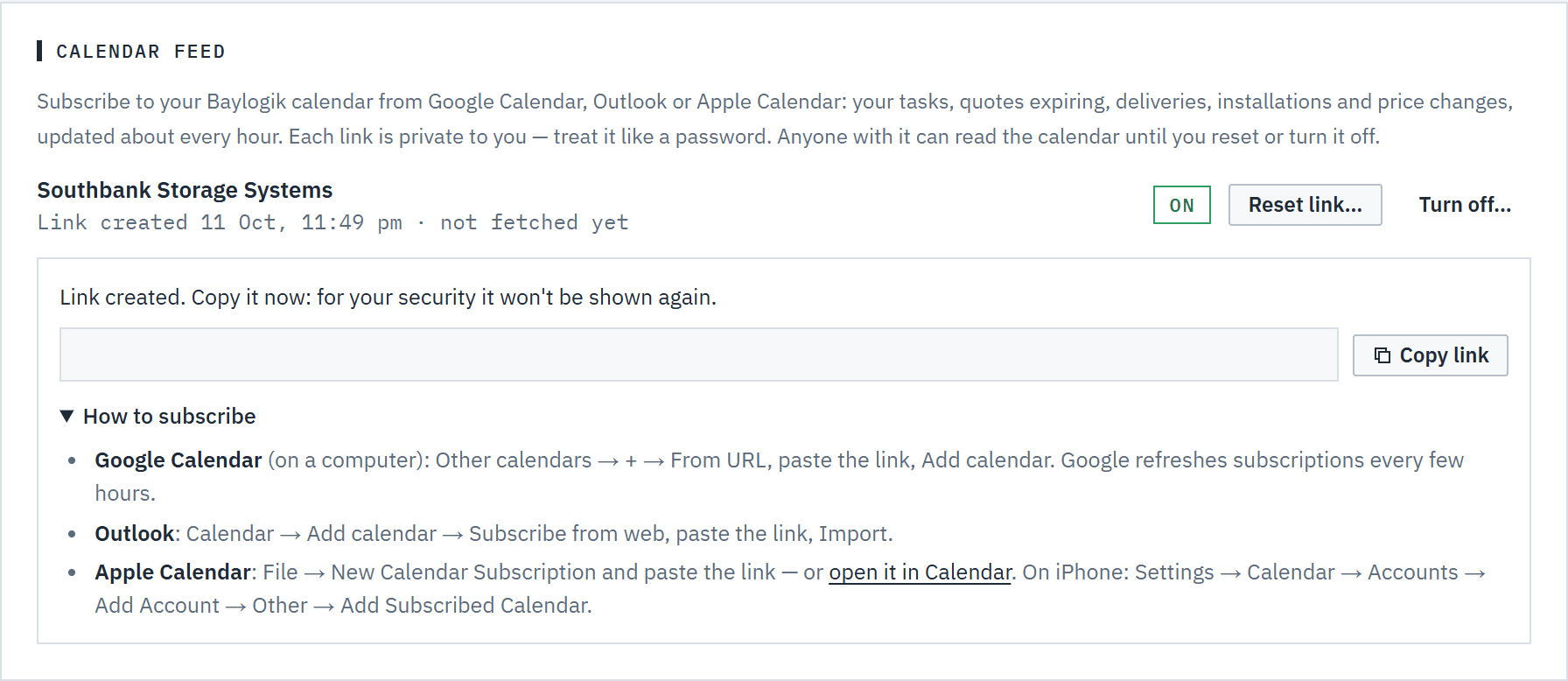
Choose Create calendar link, then Copy link. The link is shown once only: once you leave the page it can't be shown again, so copy it before you go. If you lose it, reset it and use the new one.
 (opens full size in a new tab)
Copy the link straight away: it's shown once only. Step 3: Subscribe in your calendar app
Open How to subscribe under the link for these steps:
- Google Calendar, on a computer: Other calendars → + → From URL, paste the link and choose Add calendar.
- Outlook: Calendar → Add calendar → Subscribe from web, paste the link and choose Import.
- Apple Calendar: File → New Calendar Subscription and paste the link, or choose open it in Calendar. On an iPhone: Settings → Calendar → Accounts → Add Account → Other → Add Subscribed Calendar.
The calendar appears as Baylogik — followed by your workspace's name.
Step 4: Reset or turn it off
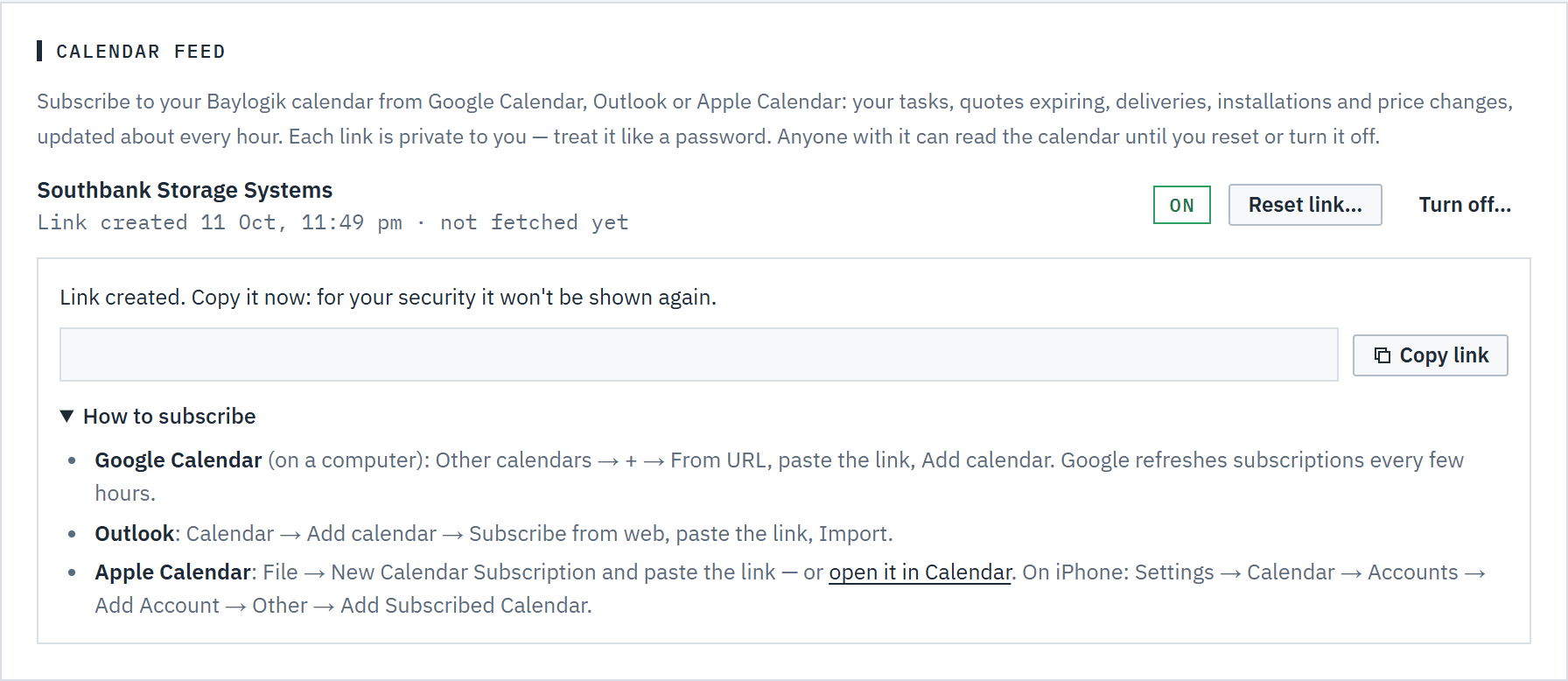
Reset link… → Reset link makes a new link and stops the old one straight away; calendars using the old one need the new one. Turn off… → Turn off stops the link and subscribed calendars stop updating. The card shows when the link was created and when a calendar last fetched it.

Good to know
- Keep the link private. Anyone who has it can read the calendar, customer names included, until you reset it or turn it off. If you've shared it by mistake, reset it.
- The feed asks calendar apps to refresh every hour, but each app sets its own pace. Google Calendar can take several hours, so a change in Baylogik isn't instant there.
- It covers 30 days back and 180 days ahead. Your tasks show while they're open; a completed task drops off. Quote dates and price changes are the whole workspace's, as far as your role can see them.
- The link follows your current role and membership. If your role changes, the feed changes with it; if you leave the workspace, the link stops working.
- You can't add or change anything through the feed. Use the calendar in Baylogik for that. See The calendar.