
Import and export stock
Count stock in a spreadsheet and load the counts back, with a review first.
For a stocktake or a first load, count in a spreadsheet. Download the stock CSV, fill in what you counted and import it back. Baylogik shows every change before it writes anything, and records each difference as a movement in the ledger.
The file never carries a cost: cost prices live on the price list, behind the roles that can see them.
Step 1: Download the stock CSV
In Inventory, choose the Import and export tab, then Download stock CSV. There is one row per product, condition and location, with the columns product_id, product, condition, location_code, location, on_hand, reorder_point and tracked.
Step 2: Enter your counts
Change on_hand to what you counted. You can also set reorder_point (write none to clear it) and tracked (yes or no), and add rows for stock at other locations. Leave product_id alone. Your own spreadsheet works too, as long as it has a product id and a count.
Step 3: Upload and map the columns
Under 1 · Upload, choose the file: CSV or XLSX, up to 4 MB. For a workbook with several sheets, pick the Worksheet. Under 2 · Map columns, check each field is matched to the right column: Product id (required), Condition, Location (code or name), On hand (counted quantity), Reorder point and Tracked. Then choose Review changes.
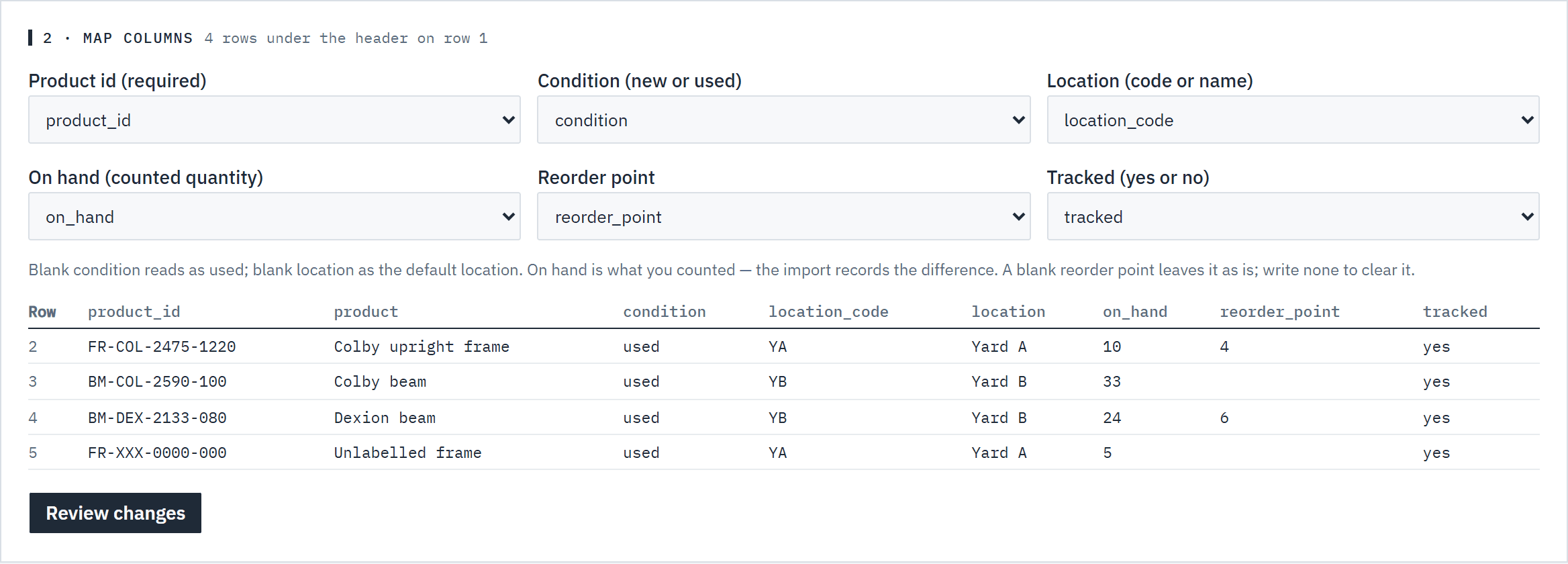 (opens full size in a new tab)
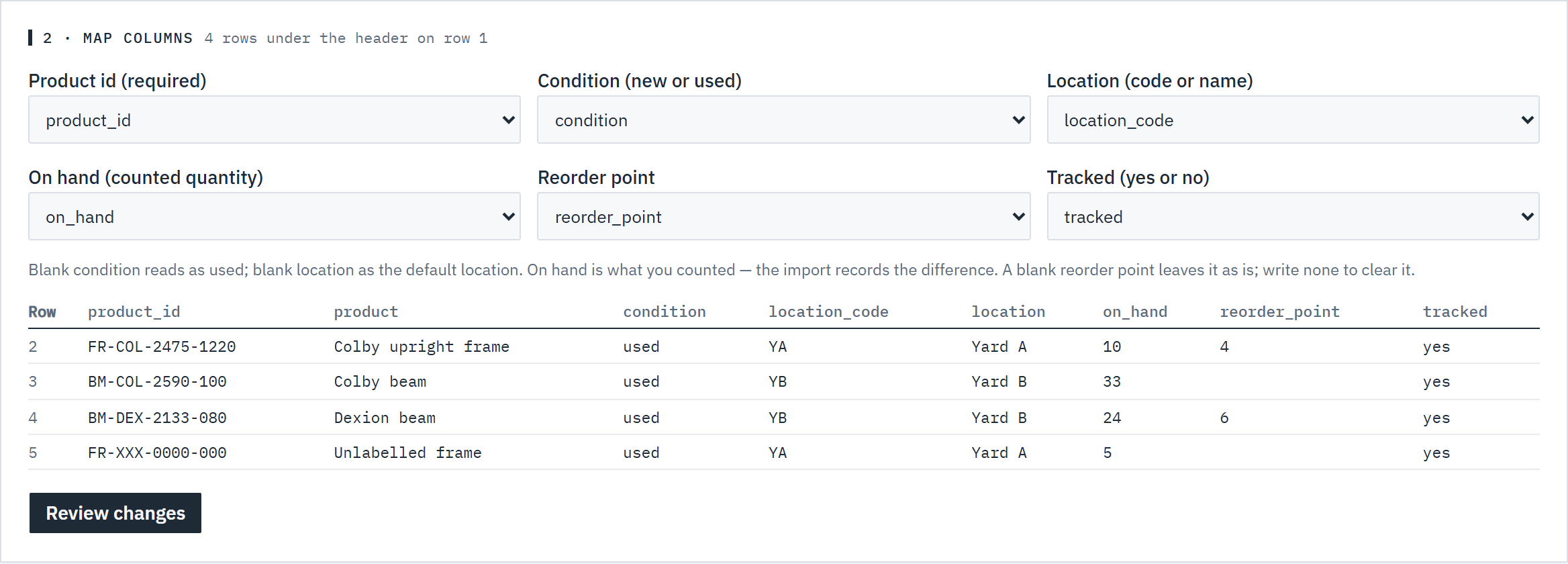
Check each field is matched to the right column before you review. Step 4: Review, then apply
3 · Review counts the count changes, details only, unchanged and won't import rows, and the units in and out. Each row shows on hand now and counted, the change, and why a row won't import. Choose Apply: every count is written in one step as an Imported movement.
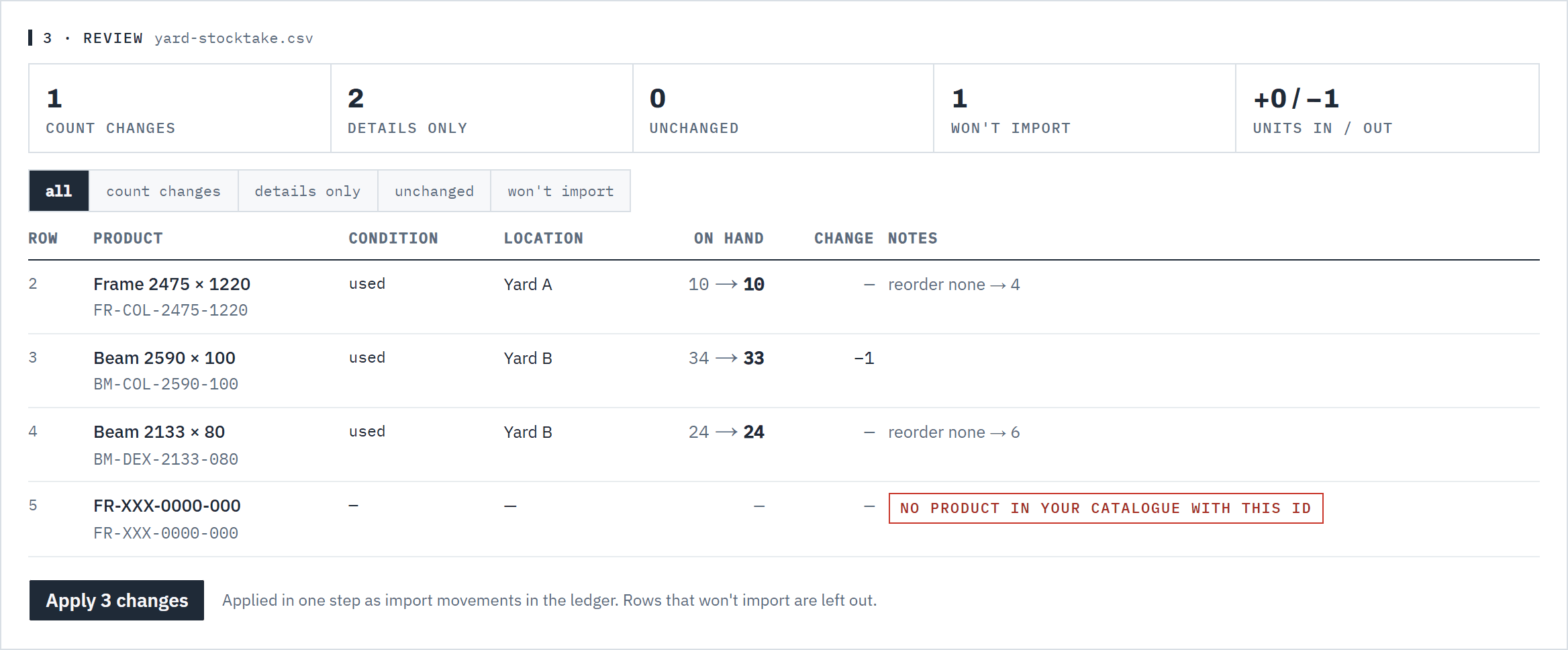 (opens full size in a new tab)
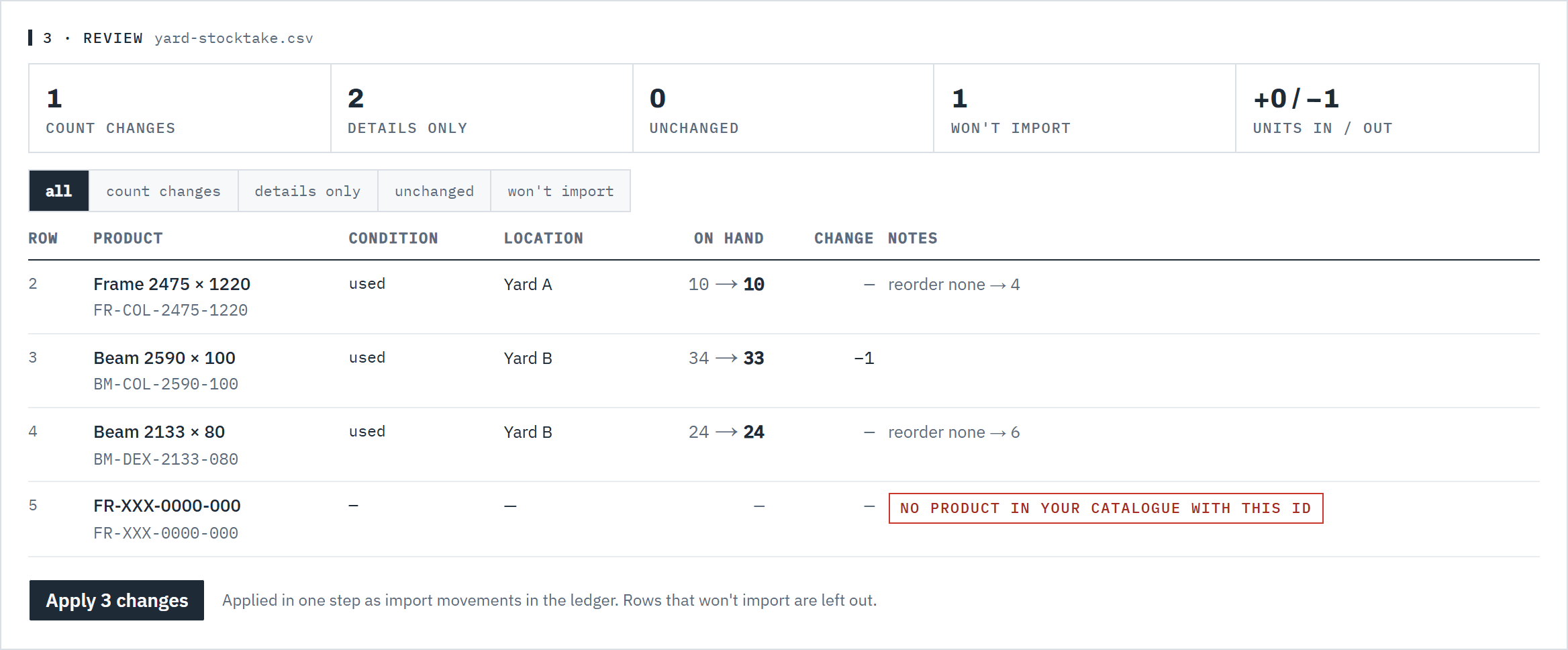
Every change is shown before anything is written.
Good to know
- on_hand is what you counted, not a change. The import records the difference, so importing the same file twice changes nothing the second time.
- A blank condition reads as used; a blank location as the default location. Locations are matched by code first, then by name. A count starts tracking the item unless tracked says no.
- A row won't import when the product isn't in your catalogue, the condition isn't new or used, the location doesn't exist or is archived, or the same product, condition and location appear twice. Counting new stock up needs new-stock tracking on. See New stock and lead times.
- If stock moves between your review and Apply, Baylogik reviews the file again instead of applying old numbers. Up to 5 000 rows per file.
- Anyone who can see stock can download the CSV. Owners, admins and warehouse members can import it.
- Used stock at the default location can also be set from the price list file. See Price your racking.